
Game Introduction
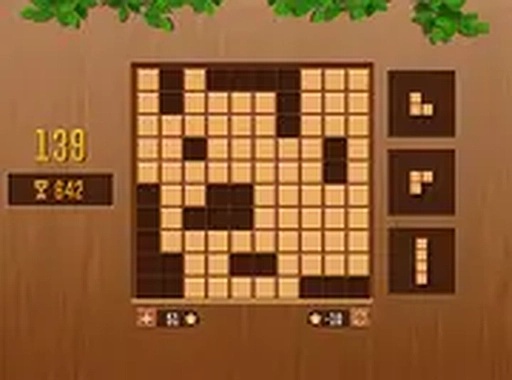
QBlock Puzzle is a block puzzle game that combines simple mechanics with strategic depth. Players place different shaped blocks onto a grid to fill entire rows or columns. Each completed line clears away, awarding points and creating space for more blocks. The game starts with easy placements but gradually increases in difficulty as the board fills. This requires careful planning and foresight to keep playing. The clean interface and smooth performance make it suitable for quick mental breaks or longer play sessions. It runs directly in your browser on both desktop and mobile devices, with no downloads or installations needed. The game is family-friendly and safe for players of all ages.
How to Play
You see a grid board and a set of block shapes at the bottom. Drag any block shape and drop it onto an empty spot on the board. Your goal is to fill entire rows or columns horizontally or vertically. When a row or column is completely filled, it clears away, giving you more room and adding points to your score. The game ends when there is no space left to place the remaining blocks. Plan your moves ahead to avoid getting stuck. You can rotate the blocks before placing them to fit better. The game runs smoothly on both desktop and mobile browsers, and you can enjoy it in full screen mode for a more immersive experience. No downloads or installations are required, just click and play.
Game Features
Relaxing yet strategic block puzzle gameplay. Easy to learn and challenging to master. Suitable for all ages. No downloads or installations needed. Works on desktop and mobile browsers. Clean design and smooth performance. Free to play online.
Tips for Success
Plan your moves ahead to avoid getting stuck. Rotate blocks before placing them to fit better. Try to keep the board as clear as possible by completing rows or columns frequently. Practice regularly to improve your spatial reasoning and strategic thinking. Take your time—there is no time limit, so think carefully before each move.

Comments
0 comments