
Core Movement Mechanics
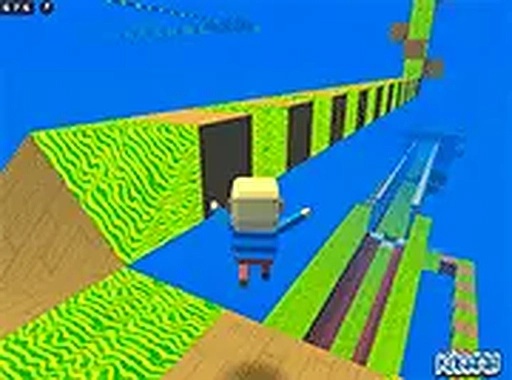
In Cosmic Leap Challenge, players control a character using standard keyboard inputs. The arrow keys or WASD handle directional movement, while the spacebar triggers jumps. A mouse allows for camera adjustment, helping players line up their leaps with greater accuracy. The game emphasizes smooth, responsive controls that let players fine-tune their actions as they progress through each stage.
Level Structure and Obstacles
Each course presents a unique layout of platforms, some of which shift or rotate over time. Players must time their movements to avoid falling into gaps or colliding with hazards. The level design encourages players to study the environment before acting, as each section may require a different approach. Courses vary in complexity, offering a gradual increase in difficulty.
Visual Style and Atmosphere
The game features a bright, colorful space theme with stars, nebulae, and distant planets forming the backdrop. Character models and platforms are designed with clean, simple shapes that make obstacles easy to identify. The visual presentation remains clear and uncluttered, which helps players focus on the precision required to complete each course.
Cooperative Play Options
Cosmic Leap Challenge includes an online mode where players can join sessions with others. This cooperative element allows participants to work together, share strategies, and assist each other through difficult sections. The social aspect adds a layer of teamwork to the platforming experience, making it easier to overcome particularly tricky obstacles.
Browser-Based Accessibility
The game runs entirely within a web browser, requiring no downloads or installations. Players can launch it on any compatible device with an internet connection. A full-screen option is available to enhance visibility, and the game saves progress automatically, allowing players to pick up where they left off.
Comments
0 comments