Snowy Scene Color Studio
Developer: Road Edge Digital
Updated: 2026-07-21
Art Creative Family

Snowy Scene Color Studio

Reviews

Snowy Scene Color Studio offers a refreshingly simple creative outlet. The winter illustrations are charming and varied, providing plenty of material for multiple sessions. The lack of timers or scores means there is no pressure, making it ideal for stress relief. The zoom and undo features add a layer of polish that enhances the experience, especially for younger users who may color outside the lines. It is a well-designed tool for family fun.

About this game

Creative Canvas

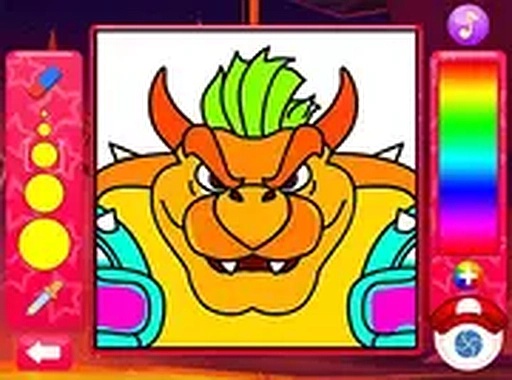
This digital coloring activity provides a selection of winter-themed illustrations, including snowy landscapes, cozy cabins, and seasonal animals. Players choose an image from the gallery and use a side panel of colors to fill each section. The tap-to-fill mechanic works smoothly, and colors can be swapped at any time. An undo function helps correct mistakes, while a zoom tool allows for careful work on small details. There are no timers or scores, so each session proceeds at the user's own pace.

Accessible Design

The interface is built for simplicity. No reading is required to start coloring, making it accessible to young children and those with limited literacy. The game runs directly in a browser on any device, including tablets and smartphones. No software installation or account creation is needed. This design removes barriers to entry, allowing immediate engagement with the creative process.

Family-Friendly Environment

All content is appropriate for children and adults alike. The winter theme avoids any violent or mature imagery. The activity encourages fine motor skills through precise coloring and color selection. It also provides a shared experience for parents and children to enjoy together, discussing color choices and the scenes they create.

Preservation and Sharing

Completed artwork can be saved directly from the browser. This allows users to build a portfolio of their work over time. Saved images can be shared with family and friends or printed for display. The ability to save progress also means users can return to a partially colored scene later, continuing from where they left off.

Compatibility

• OS: Windows 10+, macOS 11+, iOS 14+, Android 10+
• Browsers: Chrome 100+, Safari 15+, Edge 100+, Firefox 100+
• Not compatible with Internet Explorer
Tested on real devices ✅ works as expected
PLAY NOW

Faq

Is Snowy Scene Color Studio free to use?
Yes, the game is completely free. There are no hidden charges, subscriptions, or in-app purchases. All features, including the full color palette and save function, are available without any payment.
Do I need to create an account to play?
No account or registration is required. You can open the game in your browser and start coloring immediately. This makes it easy for children to use without needing parental help for sign-ups.
Can I use this game on a smartphone?
Yes, the game works on any device with a modern web browser, including smartphones and tablets. The touch interface is fully supported, so you can color by tapping directly on the screen.
What age group is this game designed for?
The game is suitable for all ages. Young children can enjoy the simple tap-to-fill mechanics, while older users may appreciate the zoom feature for detailed work. There is no reading required, so even preschoolers can participate.
How many winter scenes are available to color?
The game includes a variety of winter-themed images, such as snowmen, cabins, and animals. The exact number may vary, but there are enough options to provide several sessions of creative activity.
Can I save my work and come back later?
Yes, you can save your completed artwork directly from the browser. However, the game may not automatically save progress mid-session, so it is best to finish a picture in one sitting or save the final image.

Comments

0 comments
U
User
Loading comments...